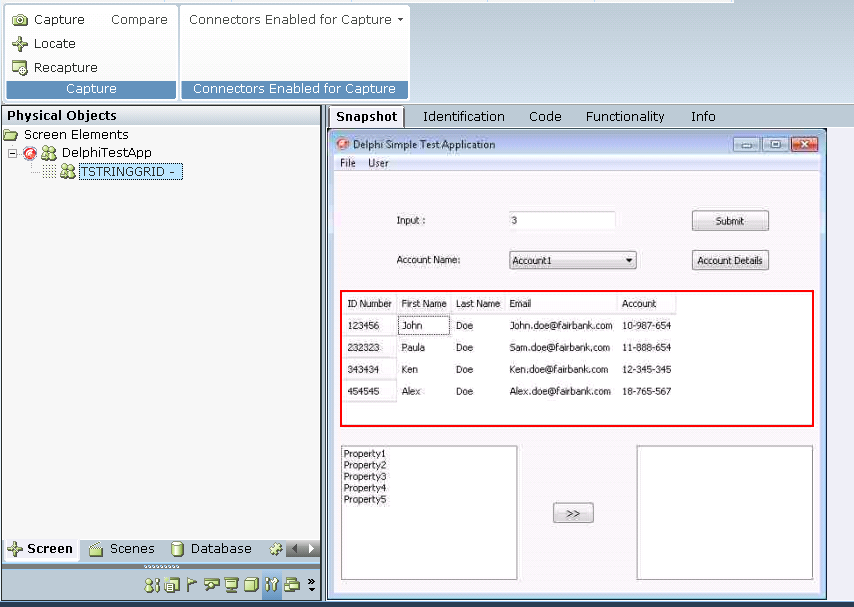
When you capture a Delphi screen element, a hierarchy is automatically created in Real-Time Designer.
To capture a Delphi screen element:
| 1. | Run the Delphi application. |
| 2. | Capture a Screen Element in the application. For more information, see Capturing Screen Elements. |
| 3. | In Real-Time Designer, navigate to the Physical Objects tab. |
| 4. | Right-click the root control and select Show Hidden Captures. |
| 5. | In the |