

Workflow Step Order
Workflow steps can be sorted alphabetically or based on their start time. Sorting steps based on their start time makes it easy to see the order of execution of the steps in the workflow.
By default, workflow steps are sorted alphabetically:
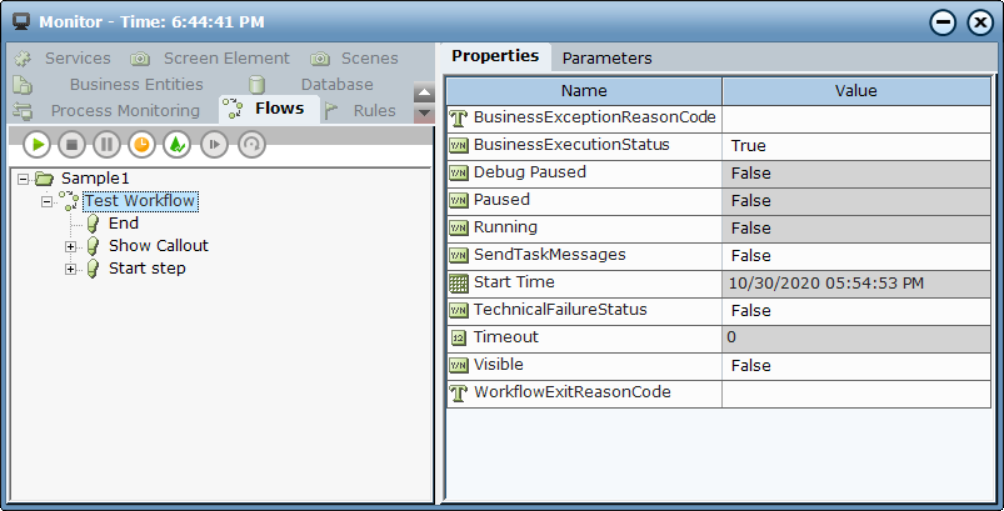
The Monitor window toolbar includes sorting options. When workflow steps are sorted alphabetically, this clock  icon is displayed. To sort the steps by their start time, click the icon. The button toggles to display
  . For example, the window below shows the Test Workflow workflow, with three of its steps visible. These steps are sorted based on their start time, and Start step is the first step activated in the workflow.
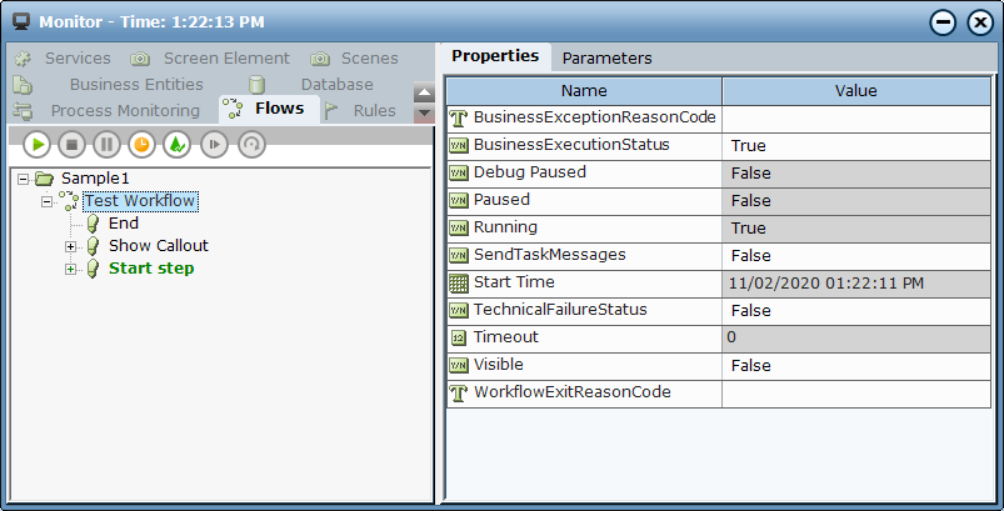
When sorting workflow steps by start time, the steps can be sub-divided into two groups after running the workflow, with the top group sorted by start time and the bottom group sorted alphabetically (because they have a start time value of 0, which means that they have not yet been activated).
When running a workflow where steps are to be sorted by start time, steps are automatically sorted and move within the list as they are activated.
